

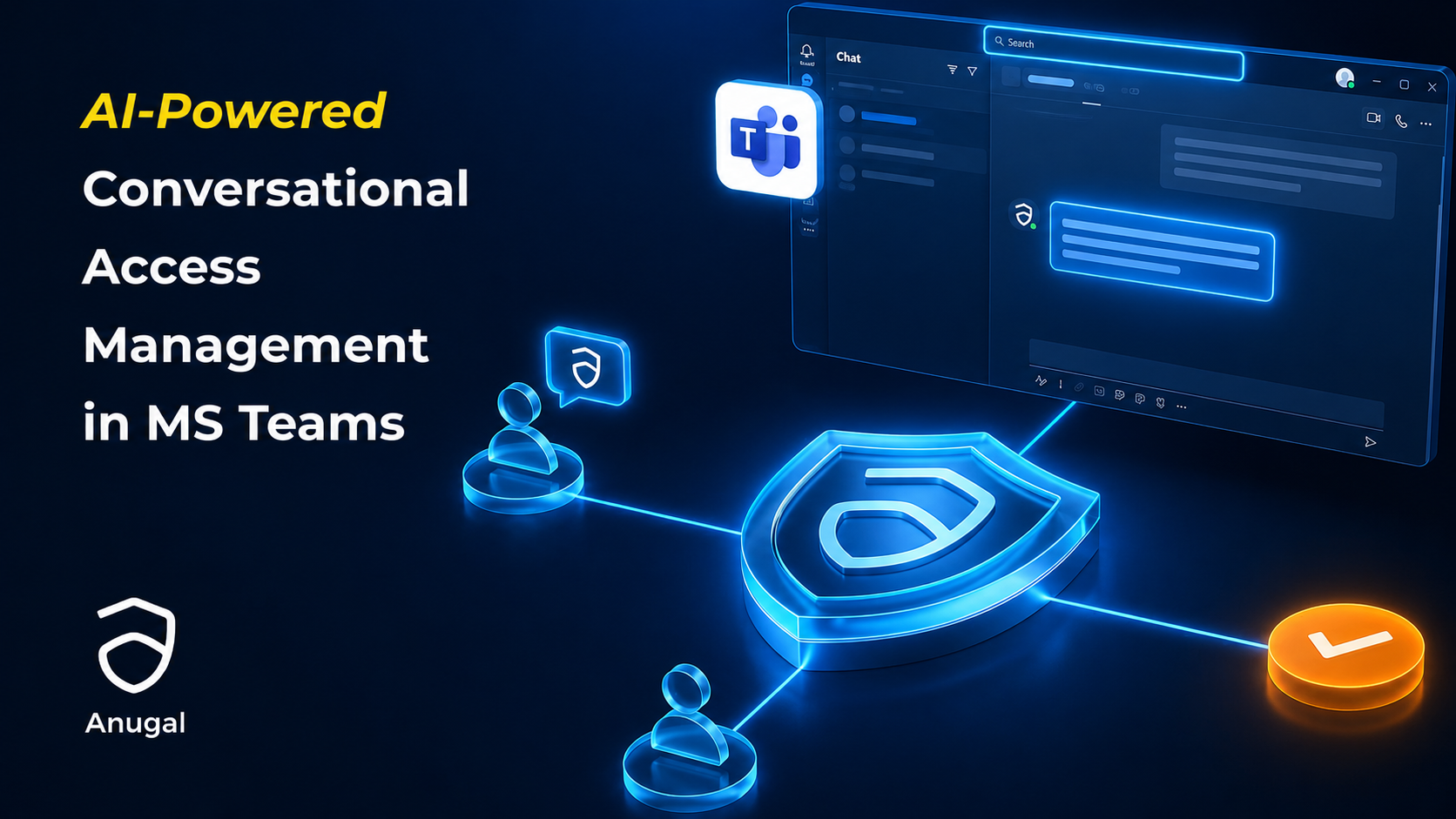

Agentic AI for IGA: Anugal in Microsoft Teams
A user needs access to an SAP application for 90 days. Why should that simple request require them to leave Microsoft Teams, find another portal, search through roles, and navigate a workflow they rarely use?
For many employees, access requests still begin with forms, tickets, emails, or unfamiliar identity portals.
The governance process may work behind the scenes, but the experience for the person requesting access often feels disconnected from the way they work every day.
Why should a simple access request feel complicated?
Consider a user who needs access to an SAP Fiori application for a limited period.
Instead of asking them to identify the exact technical role, find the correct request form, and understand the approval path, the request can begin in natural language.
That sentence contains the intent.
The identity governance process still needs to determine what that intent means from an access, policy, risk, and approval perspective.
Anugal uses Agentic AI to assist with that process by helping identify the relevant access, validating the request context, checking for conflicts, initiating the request, and returning the request status to the user.
The user stays in Microsoft Teams. The governance process continues underneath.
What happens inside an Agentic AI access request?
A conversational access request should not bypass identity governance. It should make identity governance easier to interact with.
A request can move through four connected stages.
Understand
Interpret what the user is asking for, including the application, business need, and requested duration.
Evaluate
Identify the relevant access and evaluate the request against available governance and risk context.
Route
Initiate the governed request and route it to the appropriate approver according to the configured process.
Confirm
Return the request ID, status, or next action to the user inside the same conversational experience.
The value is not simply that a chatbot accepts a sentence.
The value comes from connecting that conversation to the controls required to make an identity decision.
What changes for the approver?
Approvers face a different problem.
They usually have the authority to make the decision, but they may not have enough context when the request reaches them.
A role name alone rarely answers the questions that matter:
- Why does this user need the access?
- How long do they need it?
- Does the request introduce a conflict?
- Does the access align with the user's role?
- Is additional review required before approval?
With Anugal in Microsoft Teams, the approver can review the request within the same collaboration environment.
They can inspect the request context, validate roles, review available risk information, rerun relevant analysis, and ask the AI for additional insights before making a decision.
From request to approval: what changes?
| Stage | Traditional Experience | Conversational Experience |
|---|---|---|
| Request | User searches for the correct portal, form, role, or entitlement. | User describes the access need in natural language. |
| Context | Business context may be spread across form fields, comments, and tickets. | Request intent and duration become part of the conversation. |
| Risk | Approver may need to open another system or request additional information. | Relevant governance and risk context can be brought closer to the decision. |
| Approval | Approver moves between email, portals, and workflow screens. | Approver reviews and acts from Microsoft Teams. |
| Status | User returns to a portal or waits for an email update. | Request status can be communicated inside the conversation. |
The objective is not to remove the identity workflow. It is to remove unnecessary friction around the workflow.
What changes for access certifications?
Access certification presents another challenge.
Reviewers may receive large lists of users, roles, and entitlements and be expected to make accurate decisions across every line item.
Not every certification item deserves the same level of attention.
Agentic AI can assist reviewers by bringing more context into the review, including factors such as:
- Birthright or recurring access
- Higher-risk roles or entitlements
- Access associated with costly licences
- Peer-group context
- Existing user and role information
- Items that need further reviewer attention
How can Agentic AI assist an access reviewer?
1. Surface Risk
Bring higher-risk roles, unusual access, or other important review context closer to the certification decision.
2. Add Peer Context
Help reviewers understand whether the user's access aligns with comparable users or expected responsibilities.
3. Reduce Repetitive Review
Help reviewers distinguish routine access from items that require closer inspection.
4. Support Contextual Questions
Allow reviewers to ask questions about access and supporting context instead of relying only on static rows in a review screen.
5. Keep the Reviewer Accountable
Recommendations support the decision, while the responsible human retains authority over the final action.
How does Agentic AI help with firefighter access reviews?
Emergency or firefighter access creates a different governance problem.
The access is intentionally elevated because somebody needs to resolve an urgent issue.
The important governance question comes afterward:
Traditional post-access reviews may require somebody to examine large session logs, compare actions against the original justification, and collect supporting incident information.
Agentic AI can assist the reviewer by summarising session information, comparing activities with the approved purpose, cross-checking available incident context, and helping surface items that deserve investigation.
| Review Question | How Agentic AI Assists |
|---|---|
| What happened during the session? | Summarises relevant session activity for the reviewer. |
| Did the activity match the reason for access? | Helps compare observed actions with the access justification. |
| Was there supporting incident context? | Helps bring available incident information into the review. |
| Does something require investigation? | Surfaces relevant information and recommendations for reviewer attention. |
| What should happen next? | Supports follow-up questions while leaving the accountable decision with the reviewer. |
From forms to conversations
Identity governance has traditionally been built around screens, forms, workflow queues, and campaign interfaces.
Those controls remain important.
Agentic AI introduces another way for people to interact with them: conversation.
That interaction can follow a simple progression.
Ask
The user or reviewer describes what they need in natural language.
Understand
The AI interprets the request using available identity, access, policy, and business context.
Govern
Approvals, risk evaluation, workflow rules, and identity controls remain part of the process.
Act
The accountable user or approver makes the governed decision and the action remains traceable.
Agentic AI should not remove human accountability
The most important design principle is also the simplest: AI assistance should not make accountability disappear.
An access request still needs an accountable business process.
A high-risk entitlement still needs appropriate review.
An access certification still needs a responsible reviewer.
An emergency access session still needs post-access governance.
This is especially important in identity governance, where every approval changes what a person is permitted to do.
Why Anugal fits
Anugal brings Agentic AI into Identity Governance and Administration without separating the conversational experience from the governance controls underneath it.
Conversational Access Requests
Users can describe access needs in natural language from Microsoft Teams instead of beginning with an unfamiliar identity portal.
Context-Aware Approvals
Approvers can review request information, role context, and available risk insights closer to the decision point.
Smarter Access Certifications
Agentic AI helps reviewers focus on higher-risk or unusual access rather than treating every certification item as equally important.
Emergency Access Review Assistance
Session information can be summarised and compared with the approved purpose to support post-access review.
Human Accountability
Recommendations and conversational assistance support the responsible reviewer without removing the authority attached to the governance decision.
Microsoft Teams Experience
Identity governance becomes accessible from the collaboration environment employees and approvers already use for everyday work.
Frequently Asked Questions about Agentic AI for IGA
What is Agentic AI for IGA?
Agentic AI for IGA uses AI-driven assistance to help users and reviewers interact with identity governance processes such as access requests, approvals, certifications, and emergency access reviews through more conversational experiences.
How does Anugal work with Microsoft Teams?
Anugal brings identity governance interactions into Microsoft Teams so users can initiate access requests and approvers can review governance information without beginning every task in a separate identity portal.
Can a user request access using natural language?
Yes. A user can describe the application, access need, or duration in conversational language. The request is then connected to the relevant identity governance process.
Does Agentic AI automatically approve access?
Agentic AI assists with context, recommendations, analysis, and workflow interaction. Approval authority remains with the accountable human where the configured governance process requires human approval.
How does Agentic AI help with access certification?
It helps bring risk, peer, role, and other relevant context closer to the reviewer so they can focus attention on the access decisions that require deeper review.
How does Agentic AI support firefighter access reviews?
It can assist by summarising session information, comparing activities with the approved access purpose, bringing relevant context into the review, and supporting follow-up questions.
Identity governance that meets users where they work
Identity governance does not become stronger simply because it requires users to open another portal.
The challenge is to make governance easier to interact with without weakening the controls behind it.
Anugal brings that experience into Microsoft Teams, connecting conversational interaction with access requests, approvals, certifications, emergency access reviews, risk context, and accountable decision-making.
Make identity governance easier to use without making it easier to bypass.
Ready to bring conversational identity governance into Microsoft Teams?
See how Anugal brings access requests, approvals, certifications, and emergency access reviews closer to the people responsible for making identity decisions.
Reach us at hello@businesscoresolutions.com