

ANUGAL ROLE BUILD SERIES · 1 OF 4 · THE PROBLEM
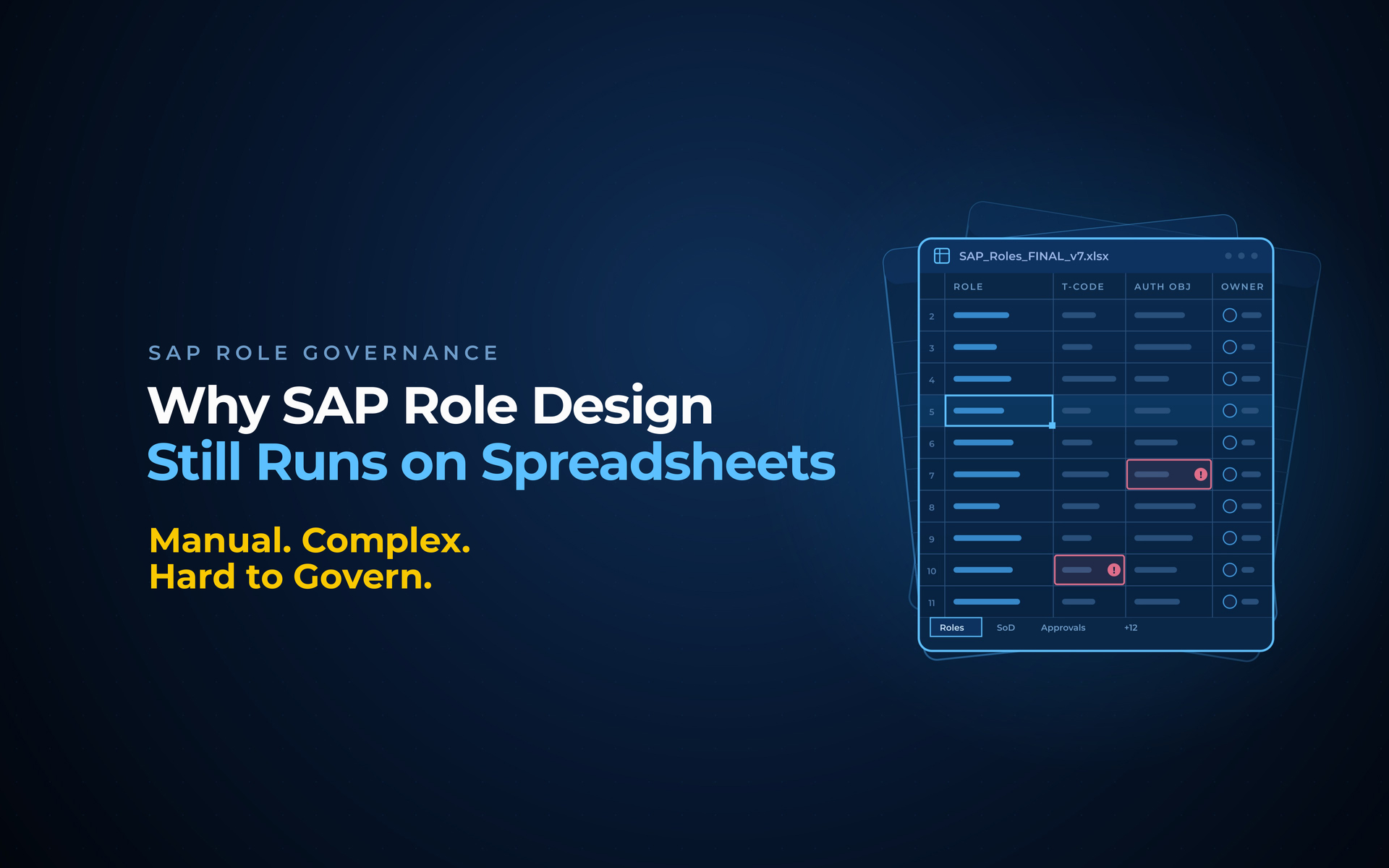
Why SAP Role Design Still Runs on Spreadsheets
Three weeks into an SAP role redesign, a designer has a spreadsheet open with 1,400 transaction codes in column A. She is grouping them by hand, from memory and tribal knowledge, into roles. On another floor, a second designer on the same project is building his own roles in his own spreadsheet, with his own naming. Neither knows the other just created a role that lets one person post a journal entry and approve it.
This is how most SAP roles still get built in 2026. Not because teams are careless, but because the tools never moved past the spreadsheet. This post is about what that costs, and why the fix is finally here.
THE SHORT ANSWER
SAP role design still runs on spreadsheets because role grouping has been a manual, judgment-heavy task: designers sort transactions into roles by hand, apply naming from habit, and check segregation of duties after the fact. The cost is inconsistency, slow cycles, and SoD conflicts discovered in production. Agentic role design replaces the spreadsheet with a governed, rules-based pass.
The grouping problem nobody enjoys
Start with the core task. An SAP estate has thousands of transactions and authorization objects. Someone has to decide which ones belong together in a role, so that a person doing a job gets exactly what the job needs and nothing more. Done by hand, that means reading a process, remembering which transactions it touches, and sorting them into buckets in a spreadsheet.
It is slow, it depends on the designer's memory of the business process, and it does not survive staff turnover. When the person who built the roles leaves, the reasoning leaves with them, and the spreadsheet that remains is a list without its logic.
A role spreadsheet records what was grouped, never why, and the why is the part that matters.
Why does naming always drift?
Give two skilled designers the same process and they will name the resulting roles differently. One writes Z_FIN_AP_POST, the other writes ZFIAP01. Both make sense in the moment. Across a project with several designers, or several projects over years, the estate fills with roles that do similar things under names that follow no shared pattern.
Inconsistent naming is not cosmetic. It makes roles hard to find, hard to review, hard to reuse, and hard to audit. An auditor asking which roles grant payment posting has to decode a dozen naming styles to answer. Every inconsistent name is a small tax paid at every future review.
Naming that depends on the designer produces an estate only that designer can read.
Why does SoD get caught too late?
Here is the part that turns an inconvenience into a risk. Segregation of duties, keeping conflicting tasks like posting and approving out of the same person's hands, is usually checked after roles are built. The design happens in the spreadsheet, the roles go live, and a GRC report later flags the violations.
By then the conflict is in production. Someone already holds the toxic combination, remediation means unpicking live access, and the audit finding is already written. Checking SoD after the build means designing the problem in, then paying to design it back out.
Checking SoD after the build is a decision to fix in production what you could have prevented in design.
What the spreadsheet really costs
| Symptom | Where it hurts | Who pays |
|---|---|---|
| Manual grouping from memory | Days per process; knowledge walks out with staff | SAP security team |
| Inconsistent naming across teams | Roles hard to find, review, reuse, and audit | Auditors and future designers |
| SoD checked after go-live | Toxic combinations reach production; remediation is live surgery | Risk, compliance, the business |
| No repeatable standard | Every project re-litigates how roles should look | The whole program |
The spreadsheet is not free; it just bills you later, with interest.
The Role Design Debt Test: 5 signs you are carrying it
THE ROLE DESIGN DEBT TEST
- Role grouping lives in spreadsheets, not in a governed tool.
- Two designers on one project would name the same role differently.
- SoD conflicts surface in GRC reports after roles are live, not before.
- When a role designer leaves, the reasoning behind their roles leaves too.
- Each new project starts its naming and structure debate from scratch.
Three or more and you are carrying role design debt. Like all debt, it is cheapest to clear before the next big project draws on it.
Mistakes that keep the spreadsheet alive
- Treating role design as a one-time project. Roles change with every process and reorganization. A method that does not repeat guarantees the debt returns.
- Fixing naming with a document nobody follows. A naming standard in a PDF is a suggestion. A standard enforced by the tool is a rule.
- Buying a violation report and calling it role design. Detecting SoD conflicts after the fact is useful, but it is cleanup, not design. The two are not the same purchase.
Frequently asked questions
What is SAP role design?
The process of deciding which SAP transactions and authorizations belong together in a role, so users get exactly the access their job needs. Good role design is consistent, follows a naming standard, and keeps conflicting duties apart. Done manually, it is slow and hard to keep uniform.
Why is manual role design risky?
Because it depends on individual memory and judgment, so it drifts: inconsistent naming, undocumented reasoning, and segregation-of-duties conflicts caught only after roles are live. Each gap becomes a cost paid later, in audits, in remediation, and in every review of an estate no single standard governs.
What is a compatibility matrix in role design?
A defined set of rules stating which access types can safely sit together in one role and which cannot. It turns SoD from a judgment call into a rule: posting and approving, for example, are marked incompatible, so a governed engine never groups them together in the first place.
How Anugal solves it
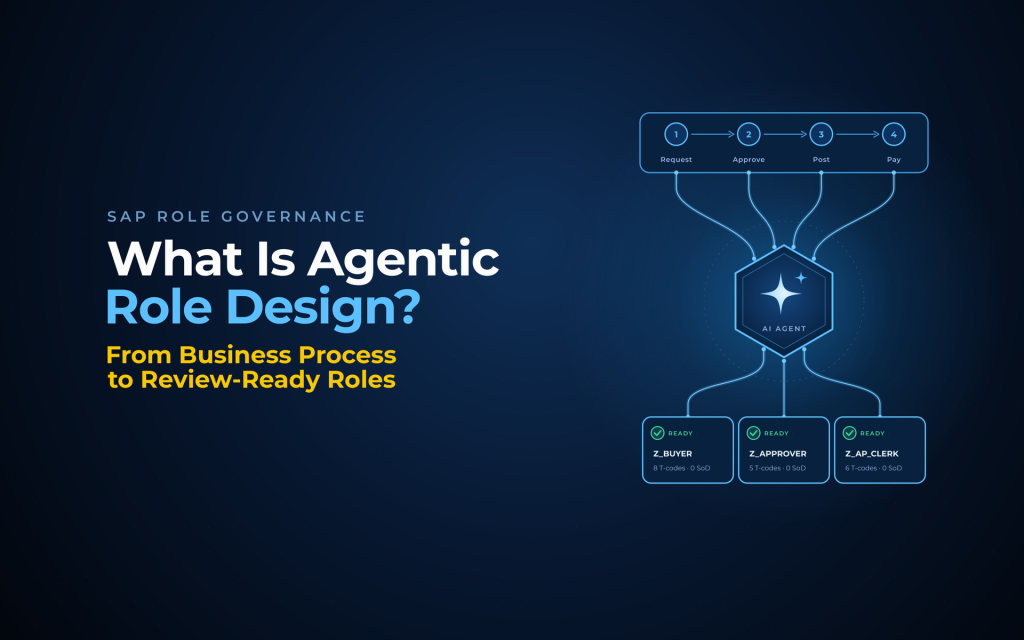
Anugal's Role Build Agent removes the spreadsheet from the middle of role design and puts a governed engine there instead.
THE ANUGAL ROLE BUILD AGENT
- It reads the process, not just transactions. The agent ingests your business process model and understands process and sub-process structure, so grouping follows the business, not a designer's memory.
- Naming stops drifting. Your naming convention and business process codes are applied by the engine to every role, so consistency no longer depends on who built it.
- SoD is prevented, not detected. Conflicting duties like posting and approving are split automatically during design, before a role is ever built.
- The standard repeats. Organization-wide rules, project adjustments, and customer extensions feed one engine, so every project starts from the same standard instead of re-litigating it.
- The designer stays in control. The agent produces a ready-to-review role design table; your designer confirms and builds, keeping human accountability in the loop.
Part 2 opens up how the engine works, step by step. The spreadsheet does not have to survive your next redesign.
About Anugal. Anugal is the Agentic Identity Governance and Administration platform from Business Core Solutions (BCS). Its Role Build Agent designs clean, compliant SAP roles from business process documentation for designer review, part of a wider platform covering identity lifecycle, access requests, certifications, and emergency access across SAP and non-SAP systems.
SEE IT ON ONE OF YOUR PROCESSES
Bring one business process and your naming convention. We will show you the role design the Role Build Agent produces, SoD splits and all, ready for your designer to review.
Next in this series: What Is Agentic Role Design? From Business Process to Review-Ready Roles