

How Automated Joiner Workflows Give Employees the Right Access on Day One
At 9:00 on Monday, a new employee has one job: start working. If access still depends on a chain of tickets, the first day becomes an access chase.
A joiner workflow changes the starting point from 'request access' to 'evaluate the HR event'.
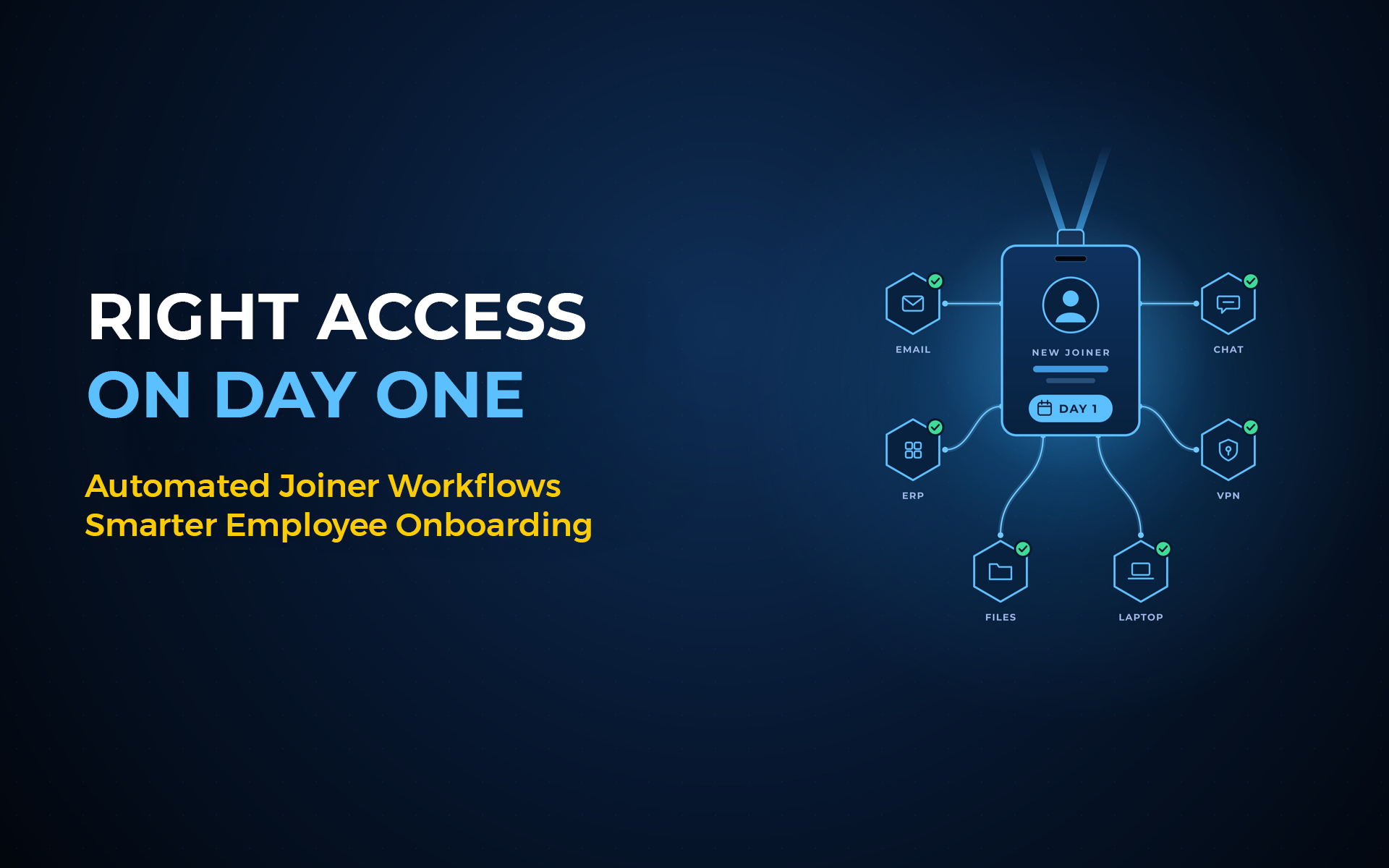
An automated joiner workflow uses the new employee record as the starting signal for identity and access decisions. The workflow evaluates role and position data, applies policy and approval rules, creates the required identity, provisions approved access and records the result. The employee starts with access that matches the current job, not a copied permission set.
The 1st-day problem is usually a workflow problem
When a new hire waits for access, the delay often starts before the application team sees the request.
Consider Ravi, who joins a growing services company in Bengaluru. HR has already entered his start date, department and position. His manager knows what job he will perform. Yet IT still waits for separate requests for email, collaboration tools, SAP access and a business application.
The information exists. The access workflow simply does not use it as the starting point.
A 5-step joiner workflow keeps speed and control together
The goal is not the fastest possible account creation. The goal is the fastest correct access decision.
A practical joiner flow has five steps:
- HR creates the employee record with the required workforce attributes.
- The identity process evaluates role, position, department, location and other approved context.
- Policy defines baseline or role-based access and checks approval conditions.
- Connected systems receive the approved provisioning actions.
- The workflow records the action, the policy context and the final result.
This pattern prevents a common shortcut: copying another employee's access because they appear to have a similar job. Similar job titles do not always mean identical responsibilities.
Why right access matters more than 1 fast login
A new hire should start productive, but productivity does not require broad access.
The strongest joiner design separates baseline access from role-specific access. Baseline access might cover standard tools your organisation assigns to a defined employee group. Role-specific access should follow the person's actual responsibilities and your policy.
That separation matters because joiner over-provisioning creates a problem on day one. The person starts with permissions they never needed, and later reviews must remove them.
CISA's Zero Trust Maturity Model places identity at the centre of the question 'right resources, right time, right purpose' and describes a move from static lifecycle handling toward automated lifecycle controls and dynamic least privilege.
Australia and India: 2 reasons the data behind onboarding matters
Your joiner workflow is only as reliable as the employee data and rules that drive it.
Australia's privacy framework includes 13 Australian Privacy Principles. OAIC guidance updated in May 2026 emphasises proportionality and collecting personal information that is reasonably necessary. For identity teams, this supports a simple design rule: use the workforce attributes you need to make the access decision, and avoid treating the HR feed as an unrestricted data dump.
India's Digital Personal Data Protection Rules, 2025 were notified on 14 November 2025. As organisations update HR and identity processes for the new regime, it is a good time to review what employee data flows into IAM, why it flows there and how long identity records remain active.
Neither rulebook tells you to implement a specific joiner product. They do reinforce disciplined handling of workforce data.
The 5-question Day-One Access Check
Before you automate onboarding, run the Day-One Access Check against every access package.
- What HR event starts the workflow?
- Which workforce attributes decide baseline and role-specific access?
- Which access requires an approval or risk check before provisioning?
- Which systems receive the access action, and how do you confirm success?
- What evidence will show why the person received each permission?
Day-one access should come from current role context, not yesterday's copy-and-paste.
4 joiner mistakes to remove before automation
Automation makes a weak rule run faster, so fix the rule before you scale it.
- Copying access from a peer instead of evaluating the new role.
- Treating every new hire in a department as identical.
- Provisioning first and applying governance later.
- Marking the ticket complete before the target system confirms the access change.
Where Anugal fits
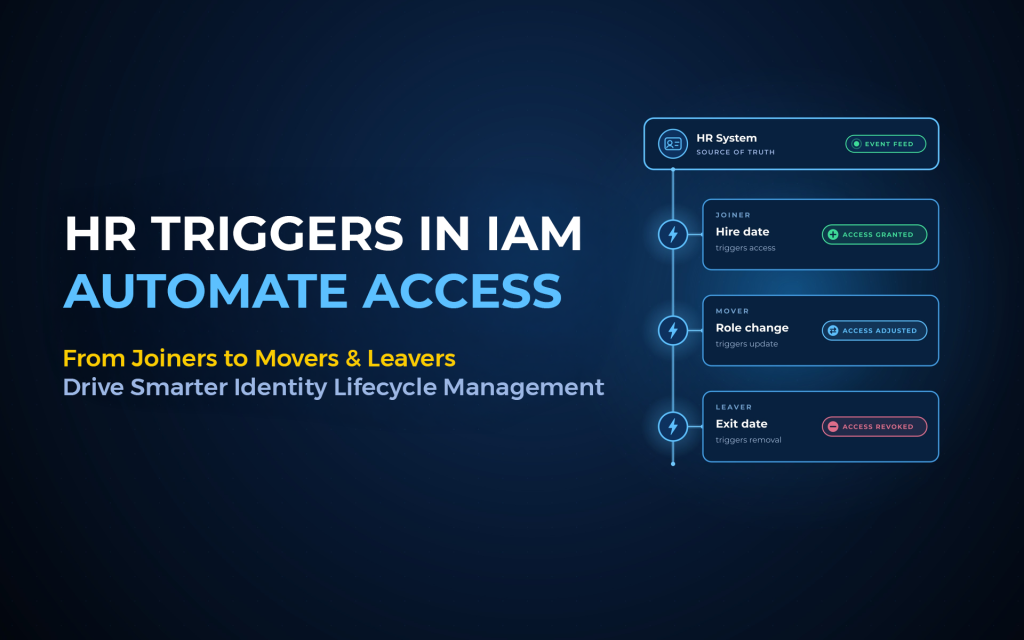
Anugal connects HR-driven joiner, mover and leaver events with governed identity actions. The workflow evaluates the workforce context and policy before access is created, changed or revoked, and records the lifecycle action.
That keeps the process practical: start with the workforce event, define the access decision, send the approved change to the target system, and retain evidence of what happened.
Frequently asked questions
What starts an automated joiner workflow?
The best starting point is an authoritative workforce event, such as creation of the employee record with a valid start date and role context. The event should start policy evaluation before provisioning begins.
What is birthright access?
Birthright access is baseline access assigned because a person belongs to a defined workforce group. Your organisation should still define clear rules for who receives it and remove it when the person no longer qualifies.
Should every new hire receive access before day one?
Only when your policy and operational model allow it. The workflow should respect start dates, approval conditions and security controls rather than opening access simply because the HR record exists.
What if the role changes before the employee starts?
The workflow should evaluate the latest authoritative role data before access becomes active. If HR changes the role, the identity process should recalculate the required access instead of preserving an outdated package.
How does Anugal handle joiners?
Anugal states that its joiner flow uses HR role and position data, defines least-privilege access, enforces governance before provisioning and logs the access decision.
Next step
See how Anugal approaches HR-driven joiner governance.
Prefer a direct conversation? hello@businesscoresolutions.com
Website: https://anugal.ai/