

User Guide
This Quickstart Guide walks you through the essentials of accessing and understanding Anugal. It’s designed to help you see value quickly, without overwhelming you with setup complexity.
Flexible Authenticator Integrations
Anugal is designed to work with a wide range of authenticators to fit an organisation’s existing security posture. Instead of enforcing a single authentication method, Anugal allows flexible integration with enterprise and third-party authenticators.
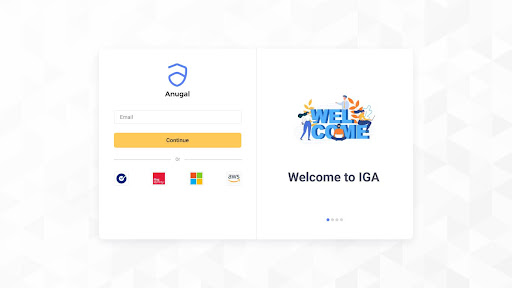
Login Process with Authenticator and MFA
Accessing Anugal follows a secure and familiar login experience:
- Users initiate login using their registered identity
- Authentication is validated through the configured authenticator
- Multi-factor authentication (MFA) is enforced based on organisational policies
- Successful authentication grants access to Anugal
MFA policies can be applied consistently across user types, ensuring secure access for administrators, managers, and reviewers alike. This approach strengthens security while maintaining a smooth user experience.
Anugal Overview Screen
Once logged in, users are presented with the Anugal Overview screen, which acts as a central dashboard for visibility and action.
The Overview screen typically provides:
- A snapshot of identities and access status
- Pending access requests and approvals
- Upcoming or active access reviews
- Compliance and policy-related insights
This screen is designed to give users immediate context, highlighting what requires attention and offering visibility into identity and access activity across the organisation.